 Pikolo Kids
Stop checking every video your child watches.
Pikolo gives your kids their own video app, filled only with the channels and creators you approve. If you haven't approved it, they don't see it.
Join 500+ parents already on the list
No ads · Cancel anytime · Set up in about 2 minutes
Mia's week
Your parent dashboard
47 videos
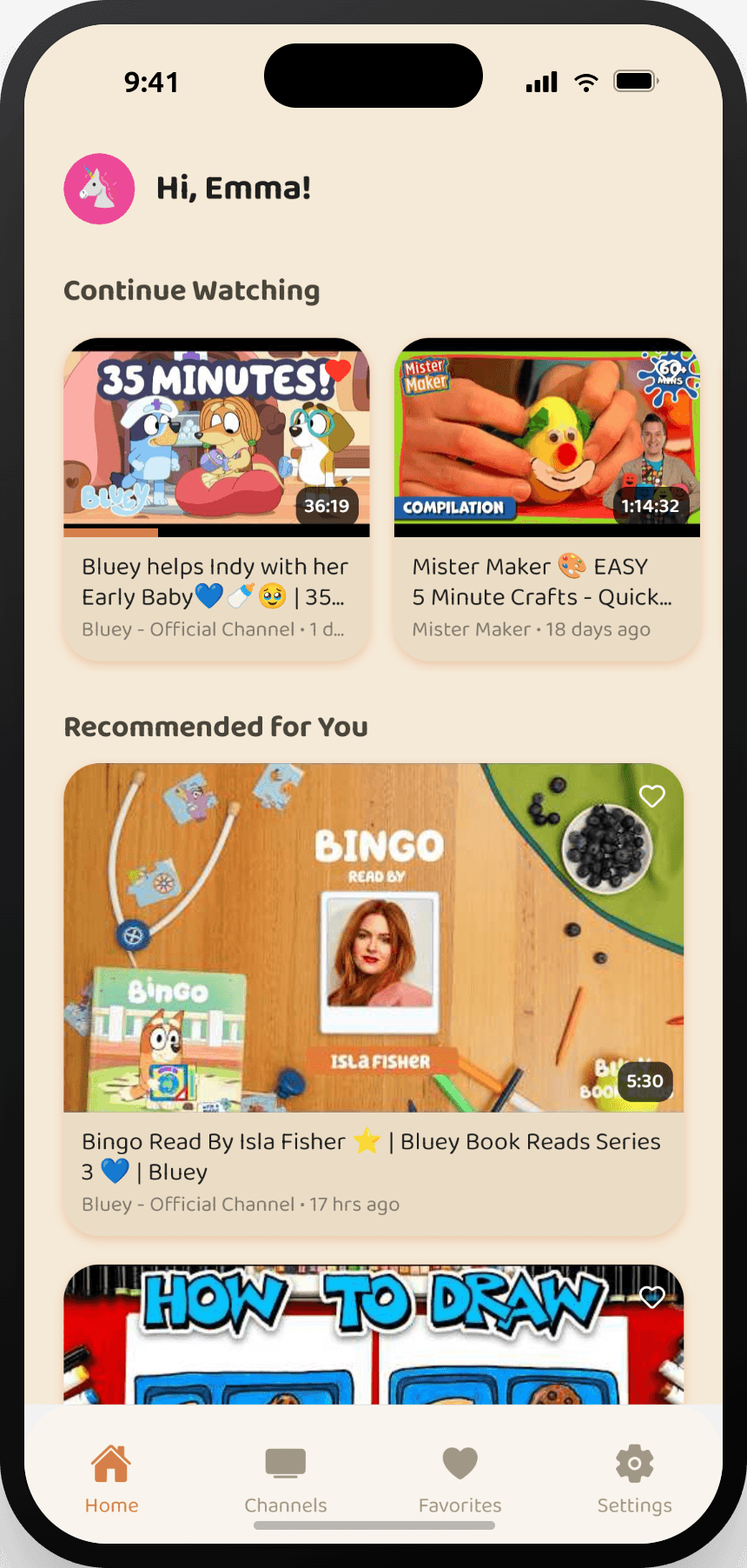
A safer, happier YouTube for every child
YouTube Kids still leaves
you checking.
Its filters only guess what's safe — so you end up watching over their shoulder anyway.
Pikolo works the other way around
Not approved? Not shown.
Set it up once.
Pick the creators you trust
Search and approve channels, or install a ready-made pack by age.
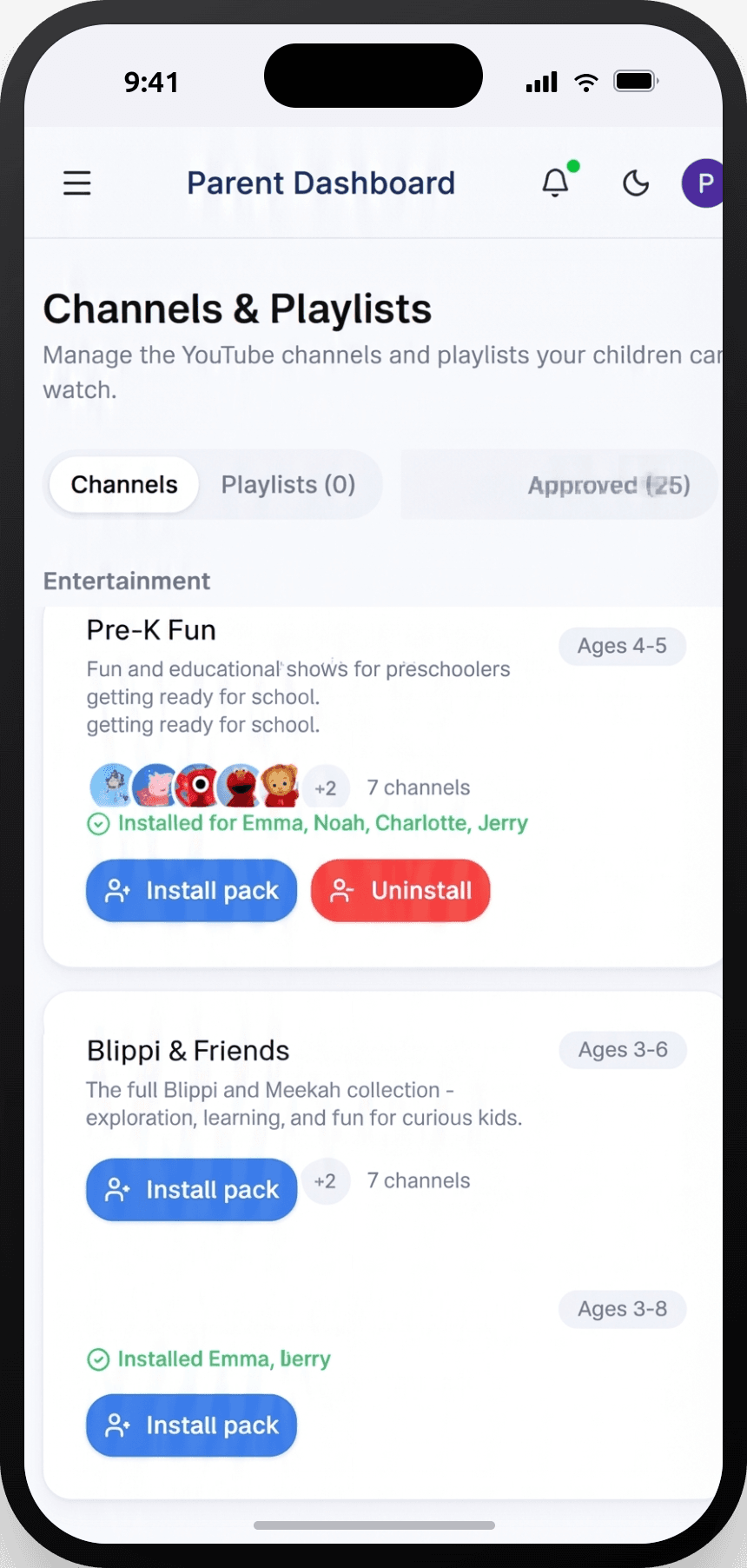
Pikolo builds their library
Each child gets their own profile, their own approved shelf, their own limits.
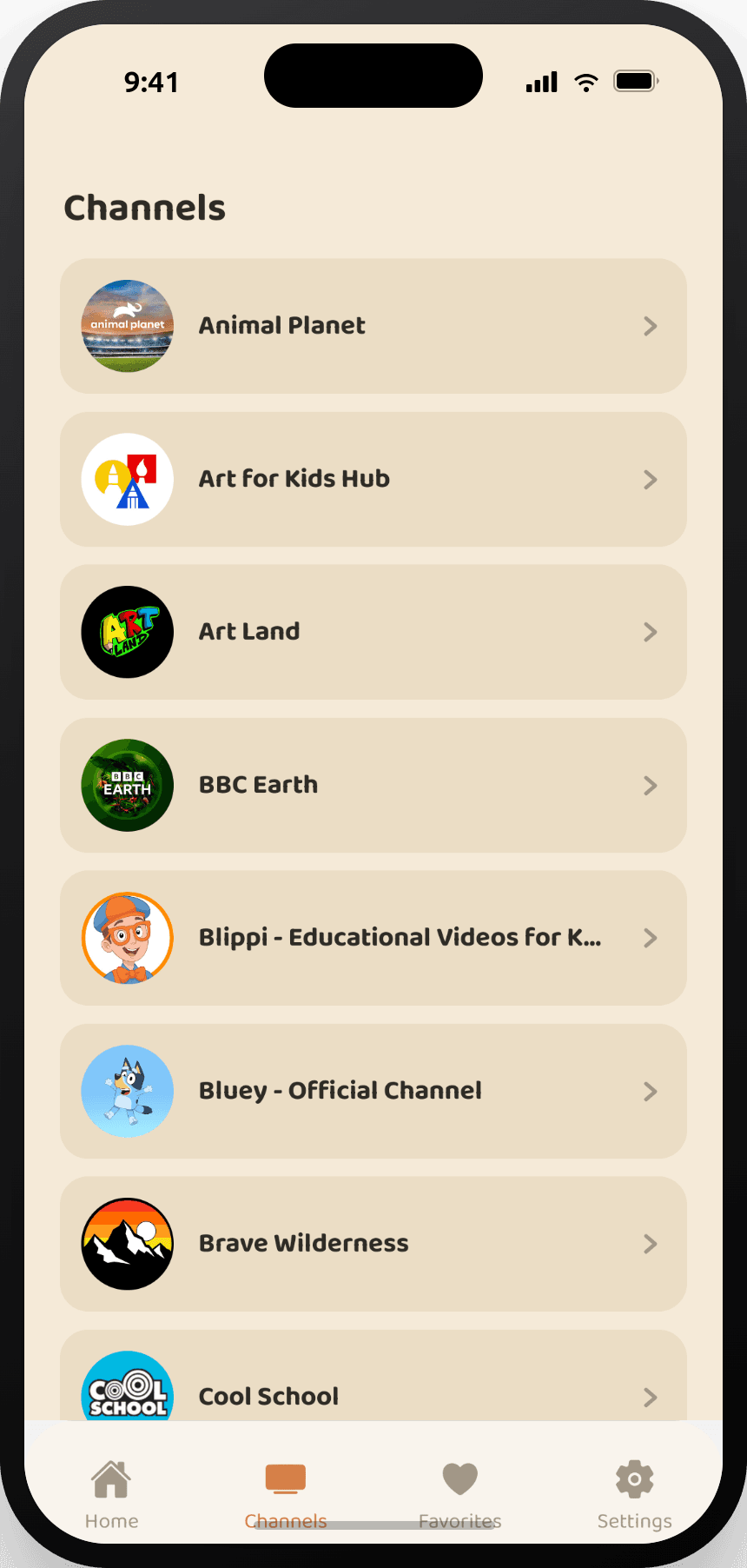
Hand over the tablet
They browse and choose freely. Everything they can reach, you already said yes to.
They get freedom. You get certainty.
You're not taking YouTube away. You're removing the part you hate. Inside Pikolo it still looks and feels like the app they love — bright thumbnails, favourites, continue watching.
- No ads, ever
- No autoplay into the algorithm's next pick
- Daily limits that wind down gently, not mid-video
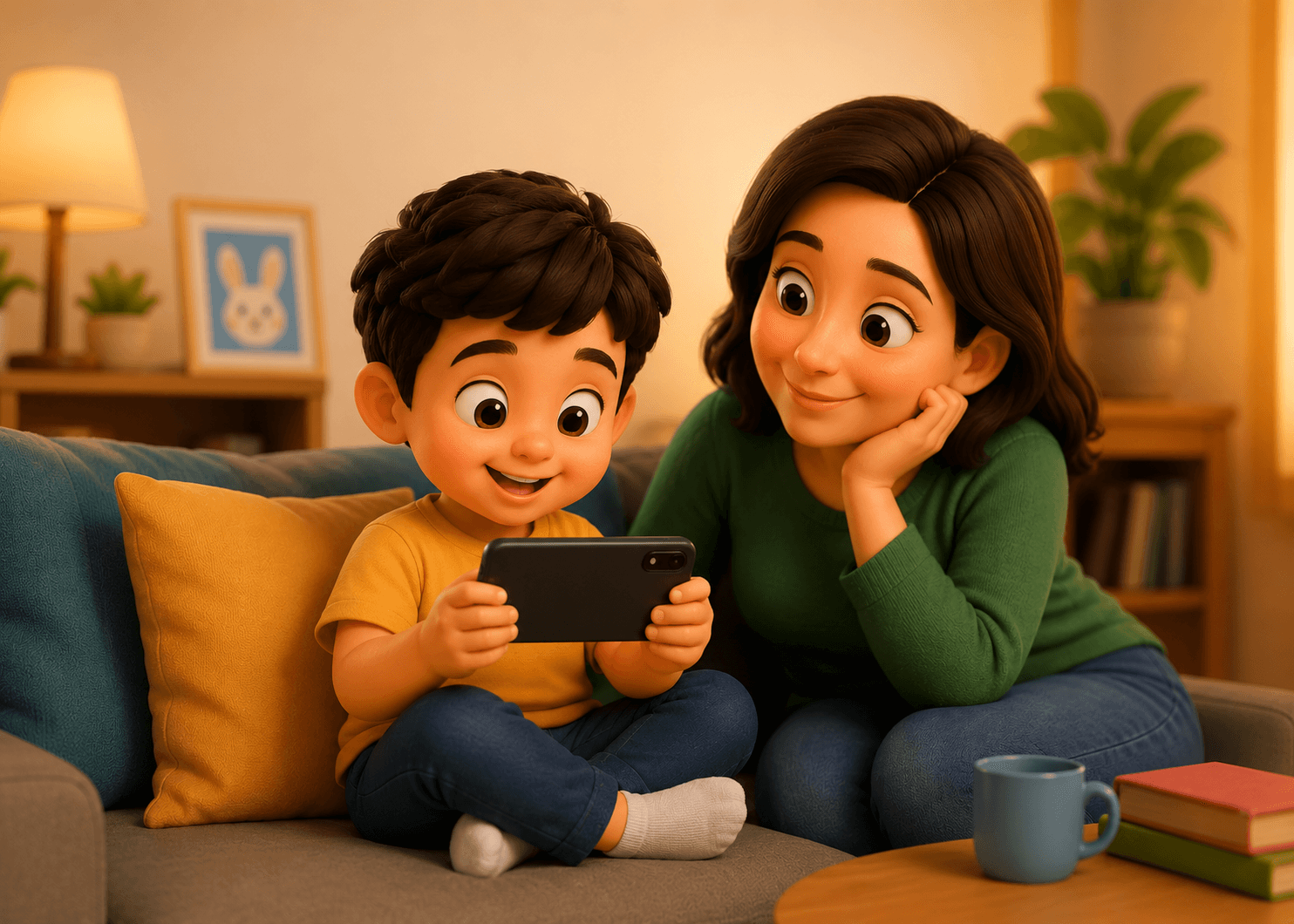
Real parents. Real peace of mind.
Join thousands of families who trust Pikolo Kids.
“Pikolo has been a game changer for our family. I love knowing my kids are watching high-quality content.”
“Easy to set up and my daughter loves it. No more random videos and I feel so much better.”
“Finally, a YouTube experience made for kids. It's exactly what we needed.”
Give them a safer way to watch
One plan, two ways to pay. 3 days free, cancel anytime.
No payment due today
$39.99 for your first year. Cancel anytime — billing stops at the end of the period you've paid for.
Before you decide
Inside Pikolo there is no route out: no search across all of YouTube, no recommendations from outside their approved shelf.
No. You approve channels and playlists, and every video from them lands on your child's shelf. Approve one creator and you're done for the week.
No ads in Pikolo. In addition, viewing content on other websites and apps cannot be used to target you in Pikolo.
Yes, it will work on your iPad, iPhone or Android phone and smart TV.
About two minutes: add a child, install a channel pack for their age, hand over the tablet. You can refine it any time from the parent dashboard.
Billing stops at the end of the period and your approved library is kept in case you come back.
Hand over the tablet without wondering.
Approve the channels you trust tonight. Tomorrow you stop checking.
Create their safe library